


 7994
Everyone must have used excel form in their daily work and life. Because excel form is very powerful in processing data, and statistical data is fast and accurate, excel form has also become one of the most used formats in the office. Although excel form has many advantages , but there are also inconveniences. Among them, the security of the excel table is not strong, because the security is not strong, although the table is often in danger of being modified, in order to better protect the file, many people choose to convert excel to pdf Format, pdf has special security and can protect table data well. How to convert Excel to PDF online?
Open the browser and enter pdfasset.com

Enter the homepage of the website, click the "Excel to PDF" function, and enter the conversion window
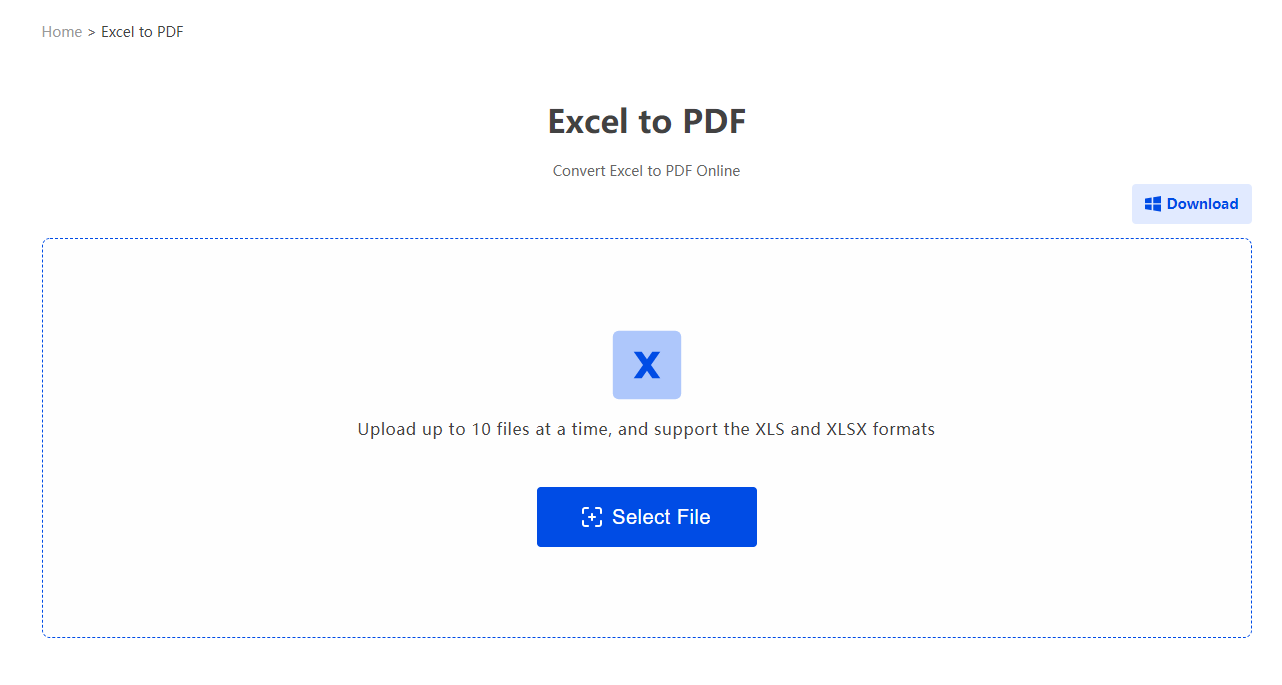
Click "Choose to add files", upload the Excel you want to convert to the conversion window, click "Start conversion", wait for a few seconds, then the conversion will be completed
Click the "Download" button to get the converted PDF
How to convert Excel to PDF, everyone must have mastered the method, excel and pdf are two very common document formats, and both formats have their own advantages. In order to take advantage of the advantages of the two formats, it is often necessary to convert the two formats. PDFasset can efficiently convert Excel to PDF, let's go to PDFasset to experience it.


